Each capability below is built around a specific daily task, not a generic HR concept.
Face recognition attendance
Employees are enrolled with a face photo, and daily attendance is marked through the built-in scanner. This significantly
reduces buddy punching — one person checking in on behalf of an absent colleague — and removes the guesswork that creeps
in when a supervisor marks presence from memory at the end of a long shift. A live "today's attendance" checklist shows
managers exactly who has checked in and who has not, while there is still time to follow up.
QR badge check-in and checkpoints
Not every entry point suits face scanning — a busy construction gate with fifty workers arriving within ten minutes needs
speed above all else. QR badges solve that: gate staff or supervisors scan a printed badge in seconds. The same mechanism
supports checkpoint logging across work zones, security posts, or staged areas of a large project, creating a movement
trail without a second paper logbook running in parallel.
Payroll and salary sheets
A manager selects a pay period, and working days are already calculated from attendance records rather than typed in
fresh. Genuine exceptions — an approved half-day, a special arrangement — can be applied as overrides, visibly, rather
than silently. Salary sheets export as PDF, ready for payout and for the company's own records, and the working-day basis
behind every figure remains visible if a worker or auditor asks how a number was reached.
Cash ledger and UPI receipt capture
Every cash movement — an advance to a worker, a materials purchase, an emergency site expense — gets logged in a
dedicated ledger the same day it happens, rather than surviving only as a mental note or a chat screenshot. Where UPI OCR
receipt capture is enabled for an organization, payment proof can be attached directly to ledger entries, strengthening
the record for internal review, partner audits, or simple month-end reconciliation.
Site cost split across locations and projects
When a company runs several sites or projects at once, cost split settings help attribute labour and expense to the
location that actually generated it. This turns a vague statement like "costs went up this month" into a specific,
actionable one — "Site C carried more overtime hours relative to workfront than Site A" — which an owner or manager can
genuinely act on.
Contracts and leave logs
Contracts for ongoing engagements are kept inside the same hub rather than scattered across email attachments and PDF
folders, so terms are easy to find when a question arises months later. Leave logs replace the informal phone call or
verbal notice that too often turns into a payroll surprise, keeping absence visible and accounted for before the pay
period closes, not after.
Managers, supervisors, and field roles
Access is structured around real authority: managers retain control of payroll, organization settings, and sensitive
financial screens, while supervisors get the tools needed to run daily site control — attendance scanning, gate activity,
and local oversight. This separation matters in practice, not just on paper: not every manager should stand at a gate all
day, and not every supervisor should be able to edit a salary sheet.
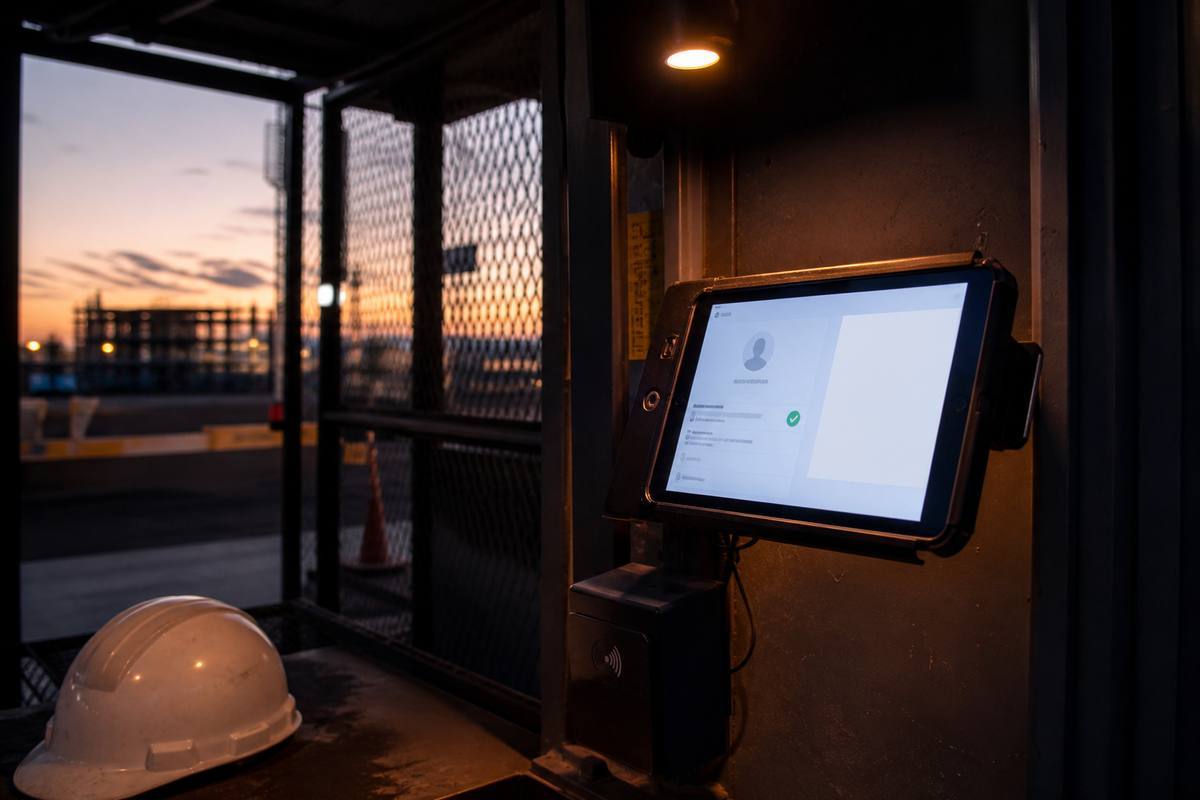
Gate kiosk mode
When enabled for an organization, kiosk mode strips a device down to a focused, gate-ready flow centered on scanning and
logging, rather than full administrative navigation. This is designed for a tablet or dedicated device mounted at an
entry point, where staff should not be digging through settings menus during the busiest ten minutes of the morning.
Multi-site operations
None of the above modules are designed for a single-location mindset. Attendance, payroll, the ledger, and cost split all
carry a site or project dimension, so a company running two locations today and five next year does not need to rebuild
its operational process at every stage of growth — the same hub simply scales with it.
In practice, this means a regional operations head can compare two sites side by side using the same attendance and
payroll structure, rather than translating between a spreadsheet format used at one location and a completely different
paper process used at another. Standardization across sites is usually treated as a "nice to have" that companies plan to
get to eventually. Building it in from the first site avoids a much harder retrofit later, once habits and informal
workarounds have already taken hold at each location independently.